
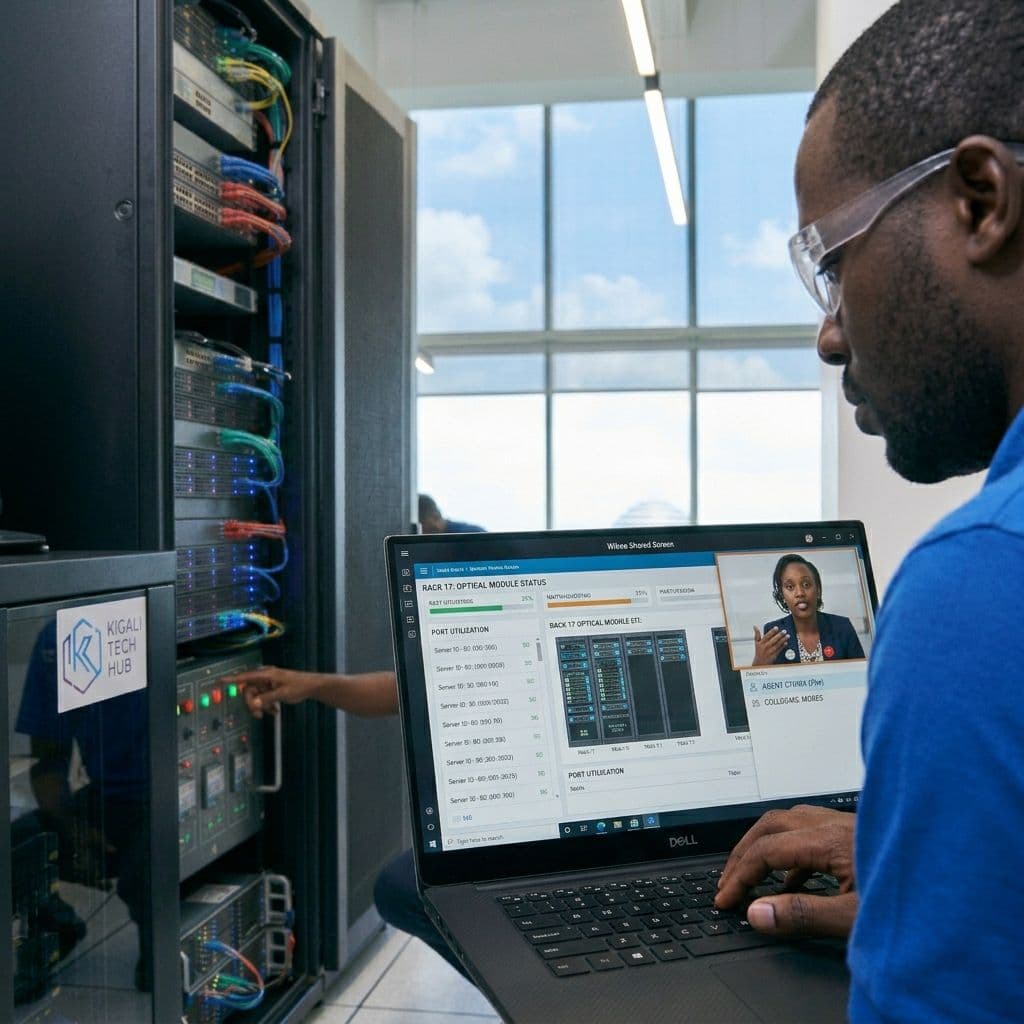
Work does not always happen at one desk. Files sit on an office computer while you are at home, and a colleague needs help with a problem you could fix in minutes if you could see their screen. Ndisafe Desk is built for these moments.
Ndisafe Desk lets you see and control a remote computer as if you were sitting in front of it. You keep working with the files and applications already on that device, and you can transfer files between your local and remote computers without leaving the session. It is also a simple way to support a teammate, since you can walk through a task together without being in the same room. When talking is easier than typing, you can switch on voice or video during the session.
Getting started takes three steps:
Download Ndisafe Desk on both computers.
Share the device ID of the remote computer.
Connect. The other person accepts the request and you get to work.
For organizations that need more control, Ndisafe Desk connects through Ndisafe’s configured relay servers and supports self-hosted deployments, so your connections stay on your terms.
Ndisafe Desk is part of the Ndisafe family, built by Kiin. The latest stable release, version 1.4.13, is available now.
Download it today at ndisafe.com/products/ndisafe-desk.